
Install Archlinux with media 2012.08.04
basic net-installation
- without any menu installer
- without any automate script
this is an unofficial guide – plz blame only me
Contents
- DownLoad iso & files
- Verify iso & Signature
- Write iso to usb
- Boot from usb
- Make partitions
- Format partitions
- Mount root partition
- Configure network
- Prepare RootFS
- Install Archlinux
- Pacman Keys
- Chroot to your new enviroment
- Edit your fstab
- HostName
- TimeZone
- Locale
- Build initial RAM disk
- Install Grub2
- Reboot
- Beginners' Guide
DownLoad iso & files
wget -c http://ftp.otenet.gr/linux/archlinux/iso/latest/archlinux-2012.08.04-dual.iso
wget -c http://ftp.otenet.gr/linux/archlinux/iso/latest/archlinux-2012.08.04-dual.iso.sig
wget -c http://ftp.otenet.gr/linux/archlinux/iso/latest/md5sums.txt
wget -c http://ftp.otenet.gr/linux/archlinux/iso/latest/sha1sums.txt
Verify iso & Signature
# md5sum archlinux-2012.08.04-dual.iso
83f3b08a58ce7397ec760817de05d8cb  archlinux-2012.08.04-dual.iso

# sha1sum archlinux-2012.08.04-dual.iso
d5fb2364f9967e458984b8050724c749213152b2  archlinux-2012.08.04-dual.iso

# pacman-key -v archlinux-2012.08.04-dual.iso.sig
gpg: Signature made Sat Aug  4 03:25:33 2012 EEST using RSA key ID 9741E8AC
gpg: Good signature from "Pierre Schmitz <pierre@archlinux.de>"
Write iso to usb
# dd if=archlinux-2012.08.04-dual.iso of=/dev/sdb
786432+0 records in
786432+0 records out 402653184 bytes (403 MB) copied, 5.35343 s, 75.2 MB/s
Boot from usb
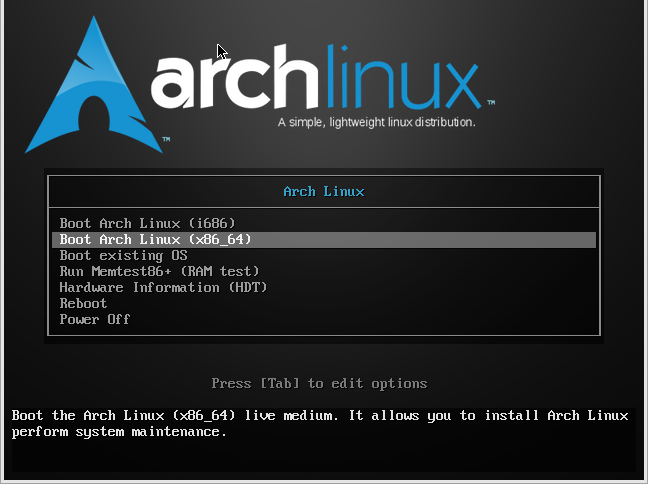
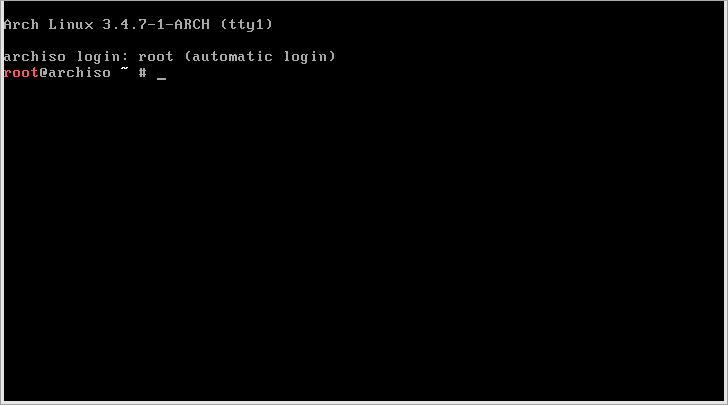
Make partitions
GUID Partition Table (GPT)
Using gdisk
if you want a GUID Partition Table (GPT)
take a look on the below url if you would like to use gdisk:
https://balaskas.gr/wiki/archlinux/gdisk
Using parted
if you want a GUID Partition Table (GPT)
take a look on the below url if you would like to use parted:
https://balaskas.gr/wiki/archlinux/parted
MS-DOS/MBR Partition Table
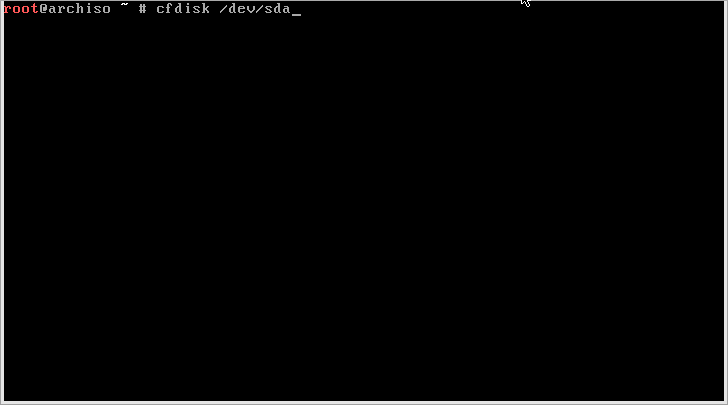
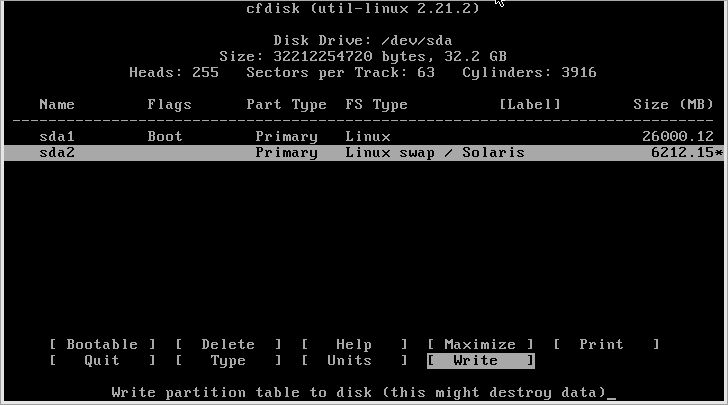
Using cfdisk
cfdisk /dev/sda
Using fdisk
find your disk
fdisk -l | grep '^Disk'
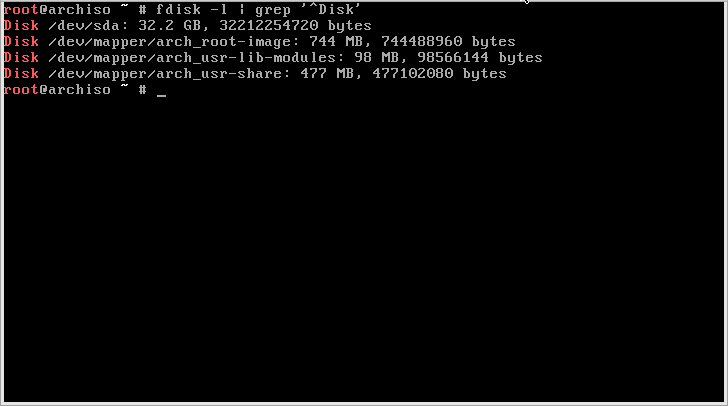
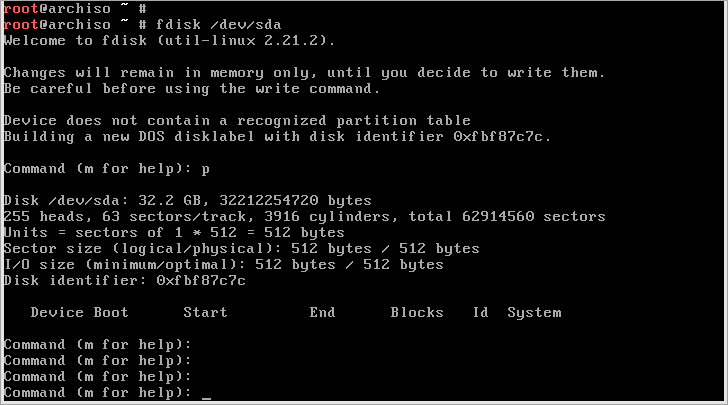
Fdisk your disk and print the partitions
fdisk /dev/sda

p
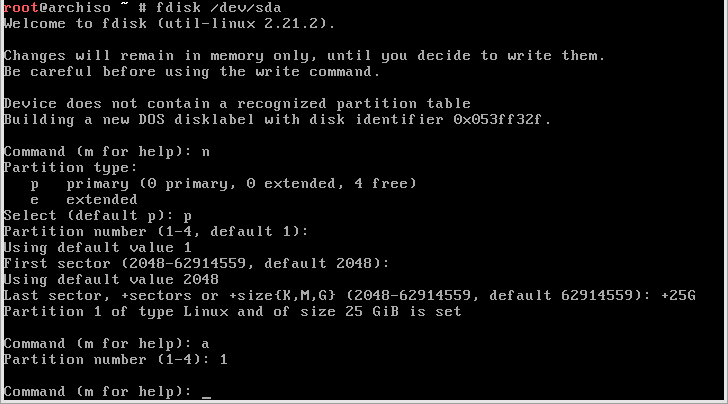
Create your rootfs partition and make it bootable
n
Primary/extended : [enter]
Partition number : [enter]
First sector : [enter]
Last sector : +25G
a
Partition number : 1
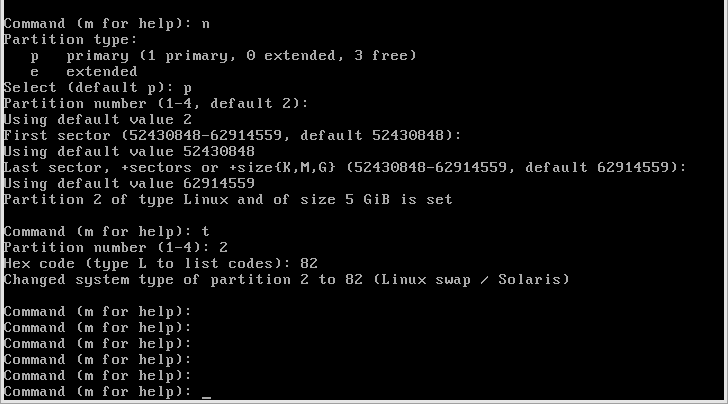
Create your swap partition :
n
p 2
[enter]
[enter]
change type :
t
2
82
Verify your partition table and write table to disk:
p
w
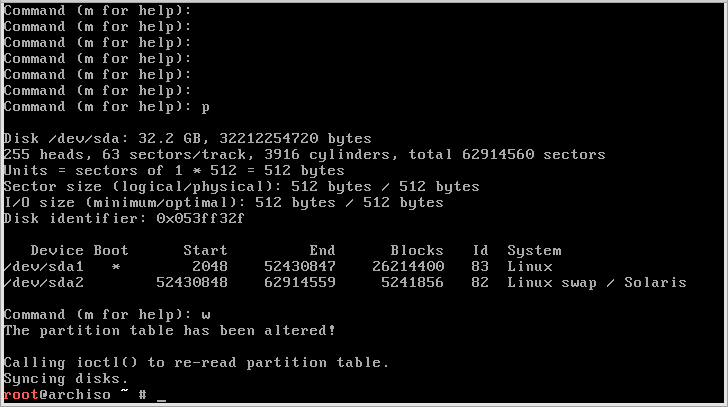
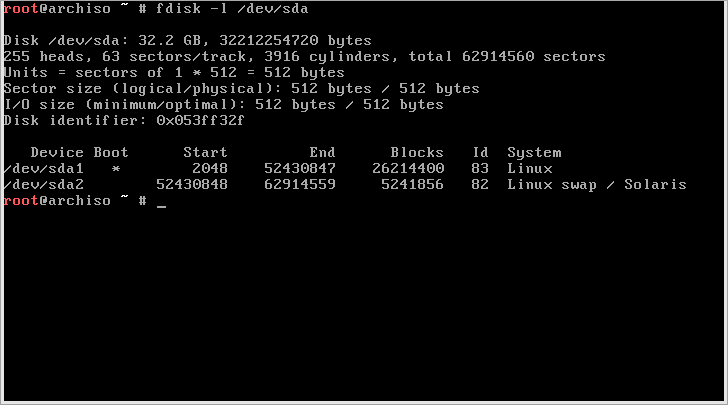
confirm it via listing :
fdisk -l /dev/sda
Format partitions
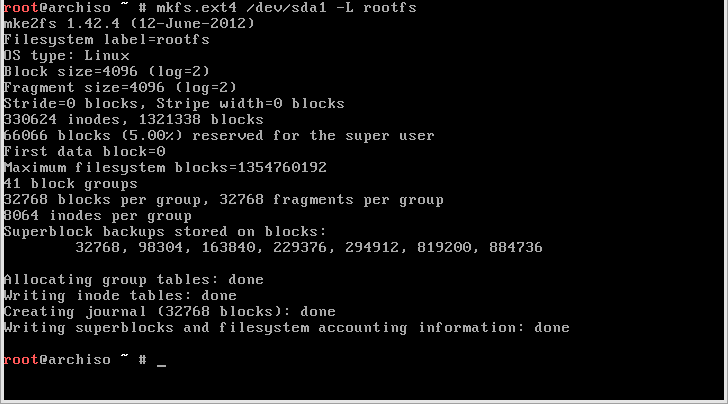
mkfs.ext4 /dev/sda1 -L rootfs
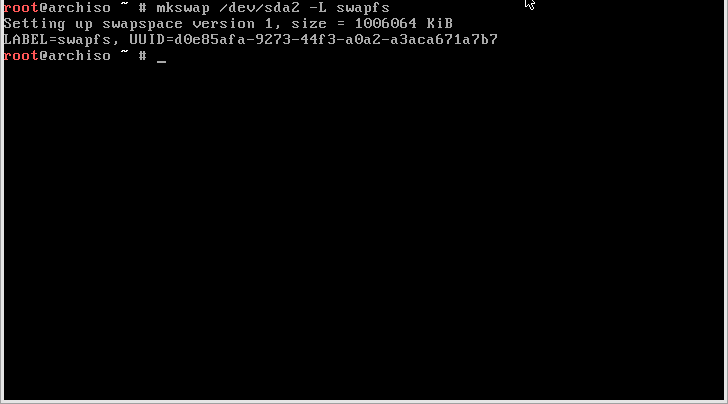
mkswap /dev/sda2 -L swapfs
Mount root partition
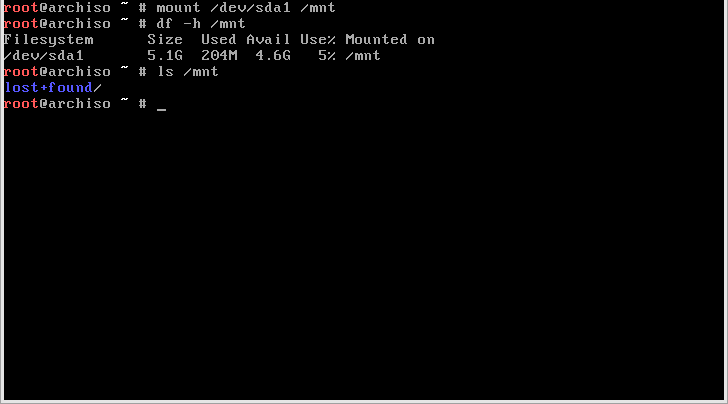
mount /dev/sda1 /mnt
Configure network
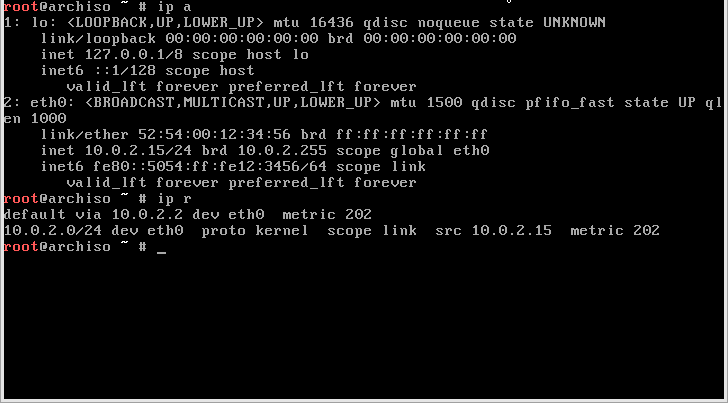
With the new 2012.08.04 archlinux installation media, you dont even need to configure your network if you are using dhcp.
ip a
ip r
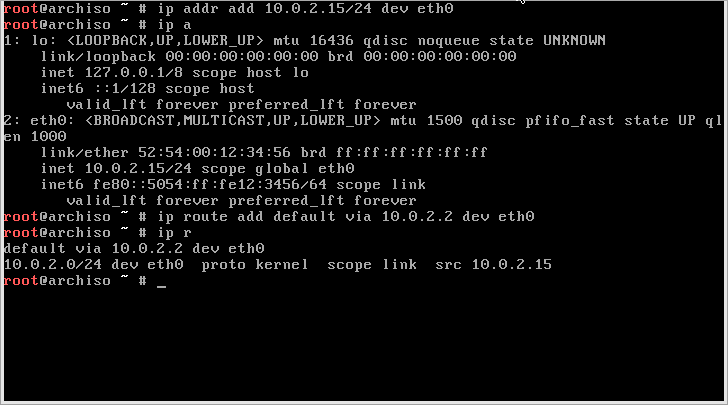
But you are not using dhcp, the below commands must be applied
Find a free IP address, before continue
ip addr add 10.0.2.15/24 dev eth0

ip a
ip route add default via 10.0.2.2 dev eth0

ip r
Prepare RootFS
mkdir -pv /mnt/var/lib/pacman

Install Archlinux
pacman -r /mnt -Sy base
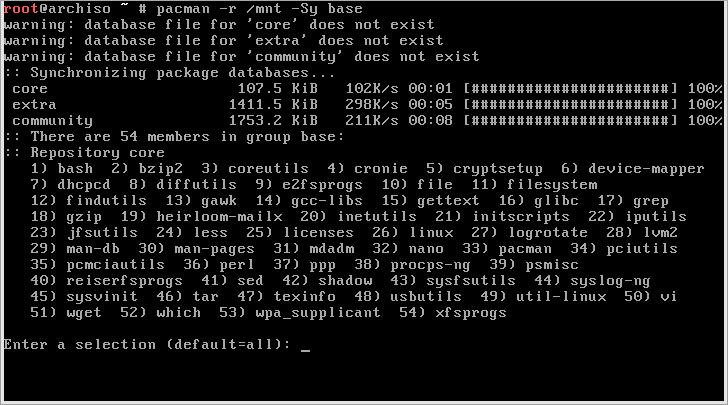
Select all packages
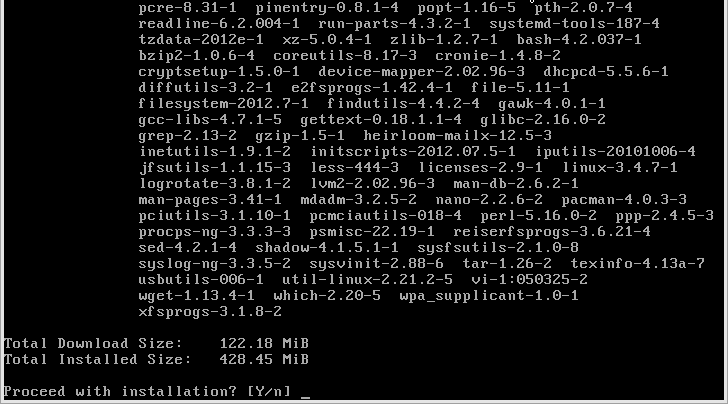
Packages are being downloaded
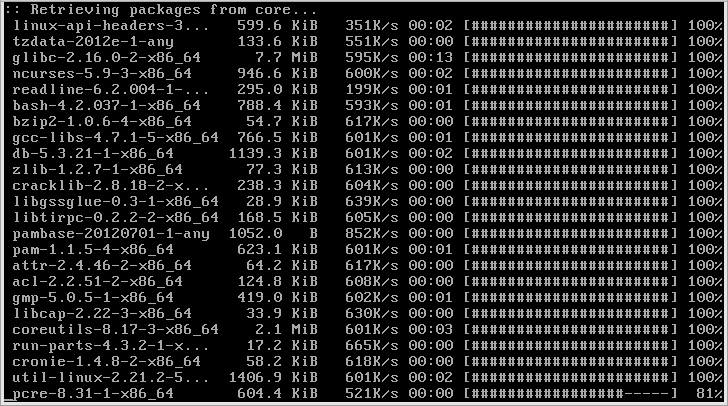
Finished
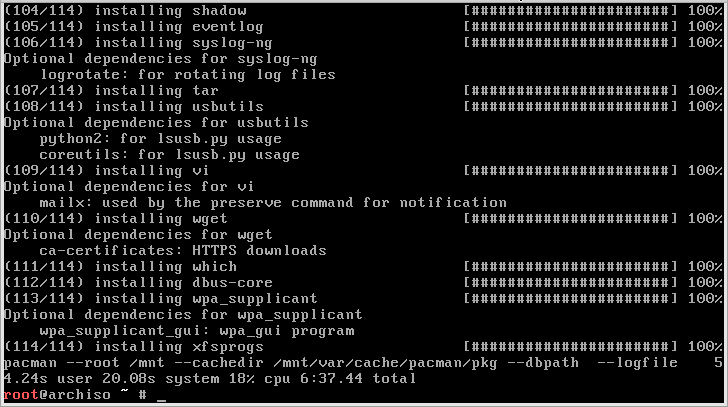
CacheDir to disk
if you have problems with the 130Mb size of download packages
then you have to create cachedir to your new environment
mkdir -pv /mnt//var/cache/pacman/pkg/
and use an alternative installation command:
pacman -r /mnt --cachedir /mnt//var/cache/pacman/pkg/ -Sy base
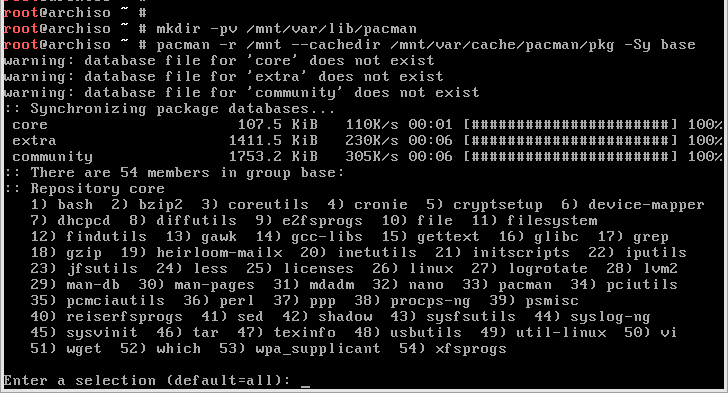
Pacman Keys
Signing Keys
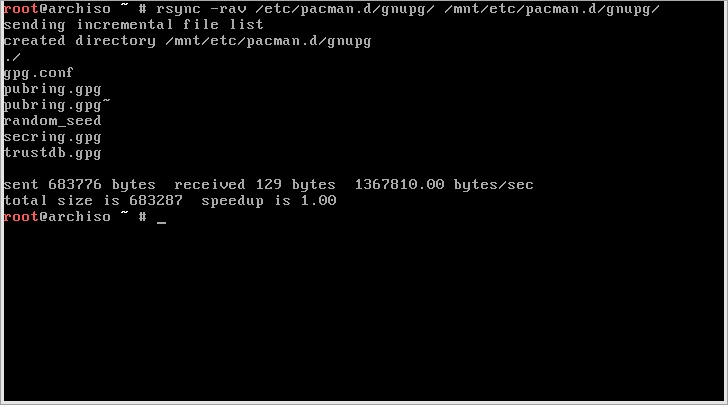
rsync -rav /etc/pacman.d/gnupg/ /mnt/etc/pacman.d/gnupg/
Chroot to your new enviroment
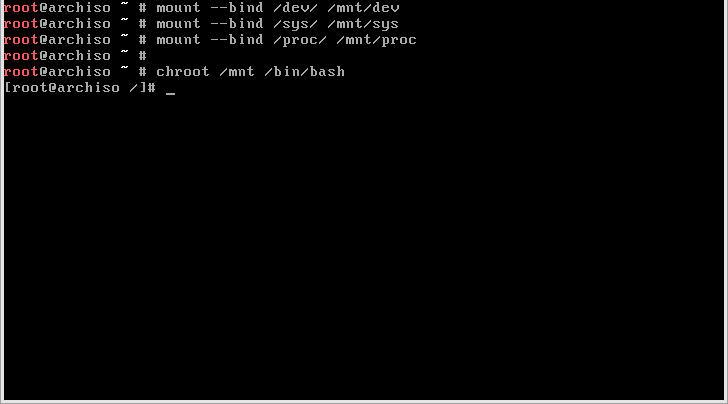
mount --bind /dev /mnt/dev
mount --bind /sys /mnt/sys
mount --bind /proc /mnt/proc

chroot /mnt /bin/bash
Edit your fstab
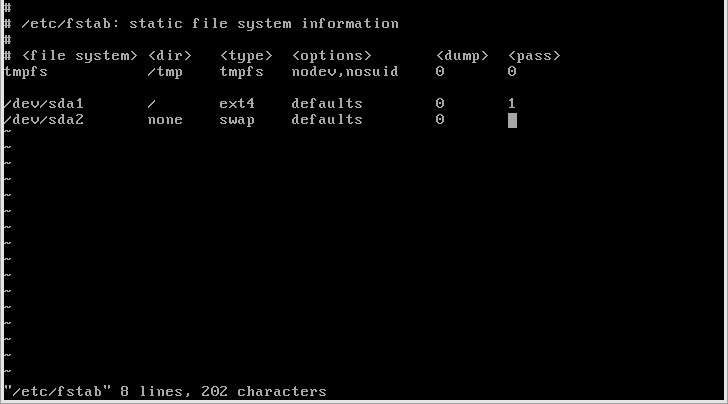
vi /etc/fstab
/dev/sda1    /    ext4   defaults    0    1
/dev/sda2    none    swap    defaults    0    1
If you are want to use UUID instead, run
blkid
before configure your /etc/fstab file
HostName
Configure your hostname by this:
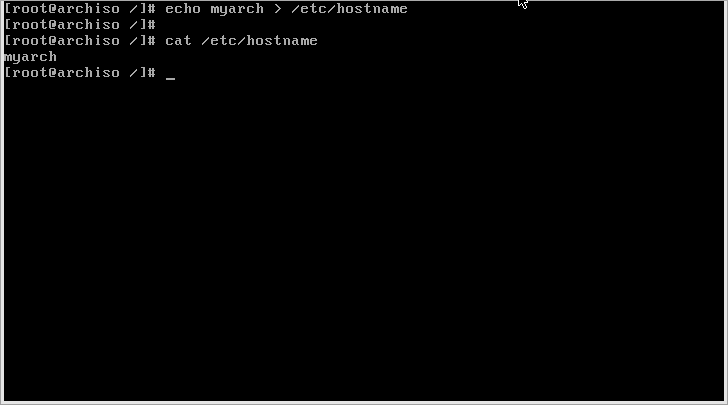
echo myarch > /etc/hostname
TimeZone
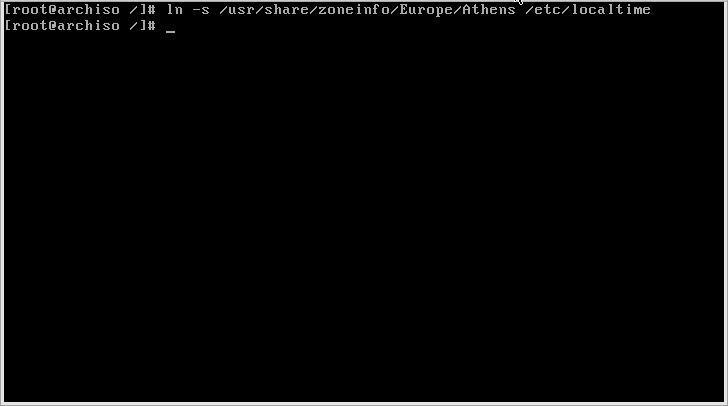
Configure your timezone
ln -s /usr/share/zoneinfo/Europe/Athens /etc/localtime
Locale
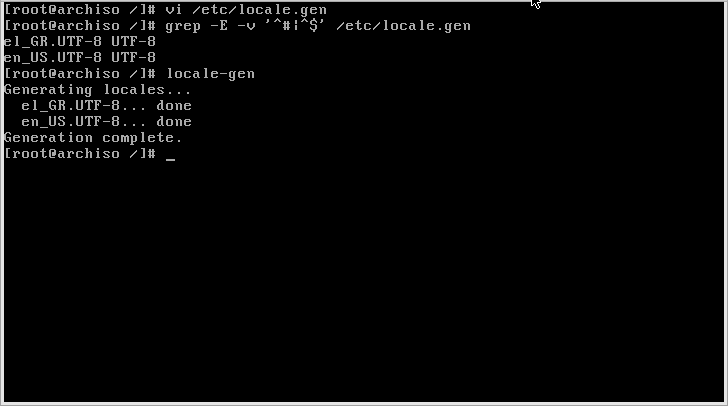
vi /etc/locale.gen
eg.
grep -E -v '^#|^$' /etc/locale.gen
el_GR.UTF-8 UTF-8
en_US.UTF-8 UTF-8
and then
locale-gen

Generating locales ...
    el_GR.UTF-8 ... done
    en_US.UTF-8 ... done
Build initial RAM disk
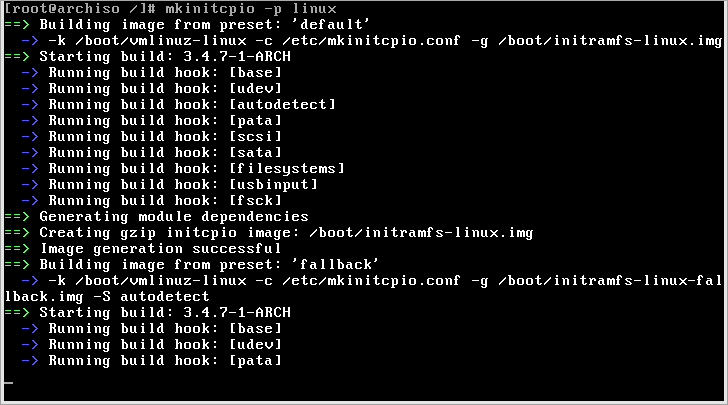
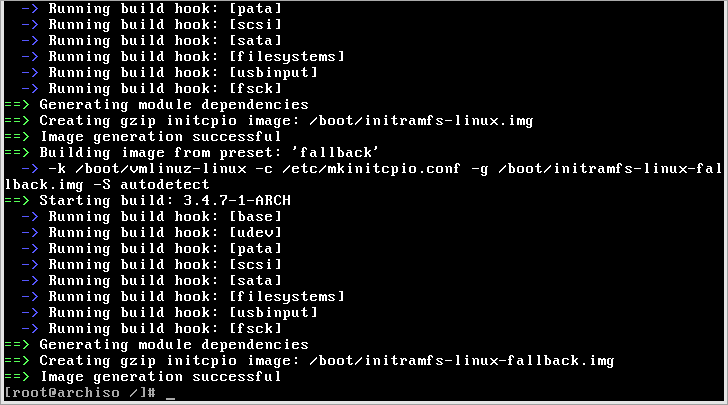
mkinitcpio -p linux
Install Grub2
exit from your chroot
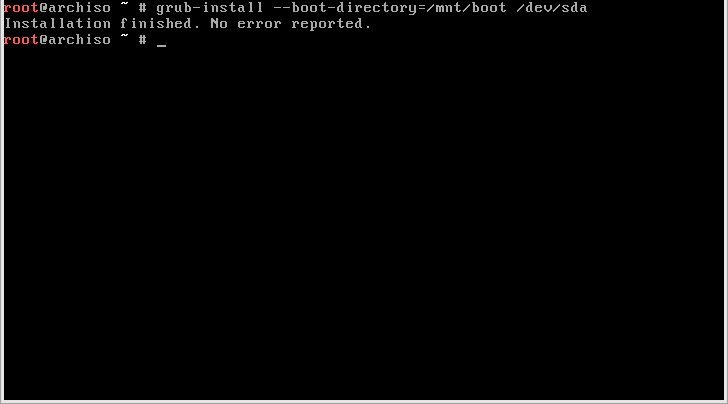
grub-install --boot-directory=/mnt/boot /dev/sda
Create grub.cfg
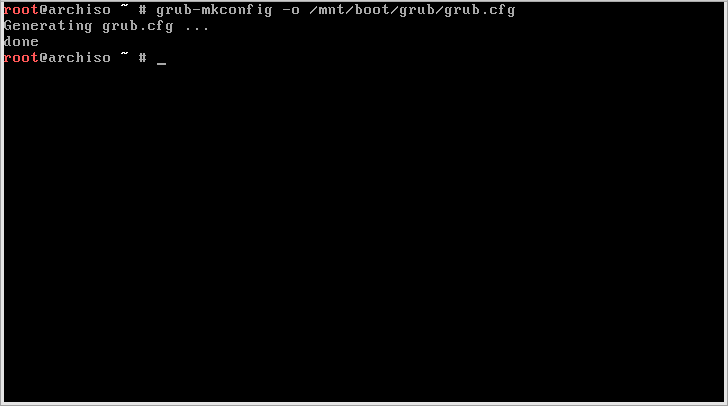
grub-mkconfig -o /mnt/boot/grub/grub.cfg
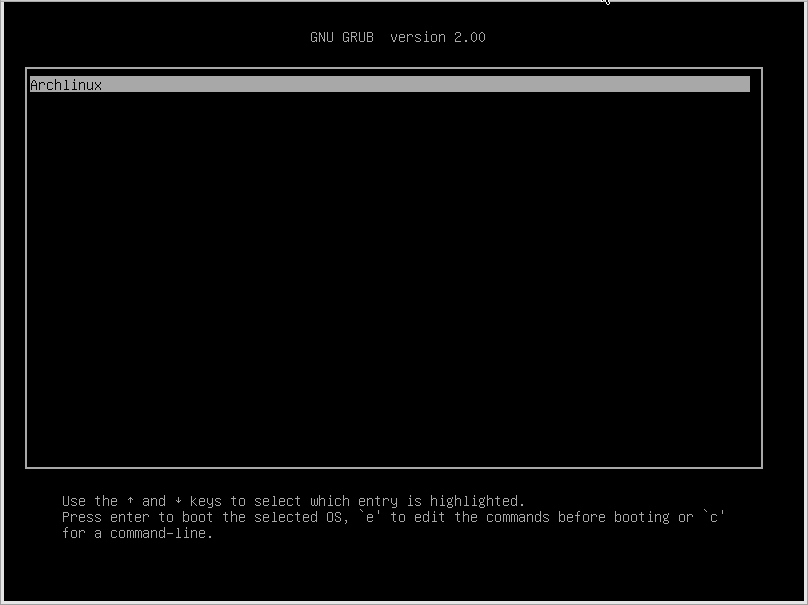
Create Menu List
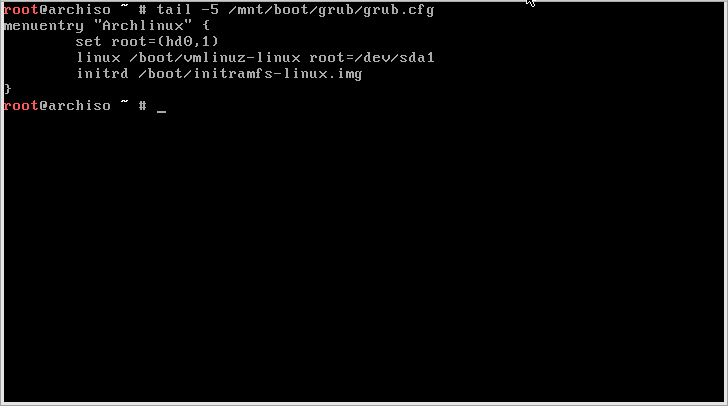
vi /mnt/boot/grub/grub.cfg
menuentry "Archlinux" {
    set root=(hd0,1)
    linux /boot/vmlinuz-linux root=/dev/sda1
    initrd /boot/initramfs-linux.img
}
Reboot
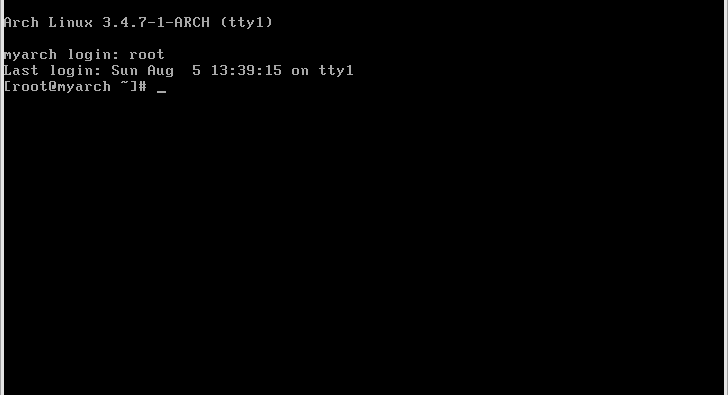
Login
Beginners' Guide
https://wiki.archlinux.org/index.php/Beginners'_Guide